
Reviews
Ocean Fishing Adventure for Kids is a delightful introduction to fishing for toddlers. Its bright, non-scary visuals and simple tap controls make it easy for young children to play independently or with a parent. The positive feedback sounds and animations keep kids engaged while building hand-eye coordination and patience. It is a wonderful tool for parent-child bonding and a safe screen-time option.
Description
Game Introduction
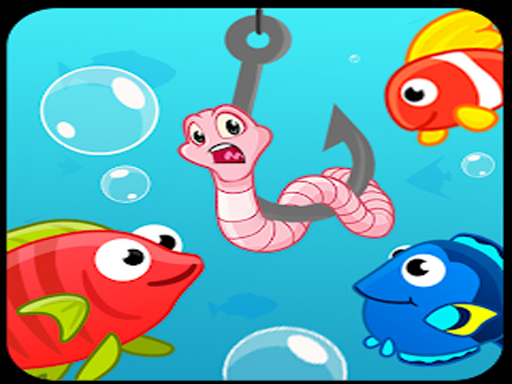
Ocean Fishing Adventure for Kids is a charming and educational game designed for young children. Set in a bright and inviting underwater world, the game introduces toddlers to the joy of fishing without any scary or violent elements. The core objective is to catch colorful fish by tapping the screen at the right moment. This simple, rewarding activity helps develop hand-eye coordination and patience. The game is designed to be a safe space where children can play alone or together with a parent, encouraging parent-child bonding. Its cheerful graphics and gentle feedback make it an ideal first gaming experience for little ones.
How to Play
To play, children simply tap or click on the screen to cast their fishing line. Colorful fish swim by at different speeds, and tapping again reels in the catch. The game has a gentle learning curve, with fish appearing at various paces to keep the experience engaging. Players can practice on their own or team up with a parent for shared fun. There are no complex rules—just the pure enjoyment of catching fish. Each successful catch is rewarded with cheerful sounds and animations, providing positive reinforcement that keeps young players motivated.
Game Features
Ocean Fishing Adventure for Kids offers a safe and educational design that encourages parent-child interaction. The game features colorful, attractive graphics that appeal to young children. Simple tap controls make it accessible for toddlers. Positive feedback in the form of sounds and animations celebrates each catch. The underwater setting is bright and inviting, with no scary elements, making it a perfect introduction to fishing for little ones. The game may also include a variety of fish to discover, adding to the sense of exploration.
Tips for Success
To help your child get the most out of the game, try playing together to build confidence and strengthen your bond. Encourage patience by celebrating every catch, no matter how small. Practice timing by tapping when a fish is closest to the hook. Keep play sessions short to maintain interest, and let your child explore at their own pace. Most importantly, focus on the fun of the experience rather than the number of fish caught.










03 Comments
Sign in to comment
You must be logged in before posting a review or rating.
No account? Create one
No comments yet. Be the first to comment!